Products / TOA FullPage for Safari
TOA FullPage for Safari
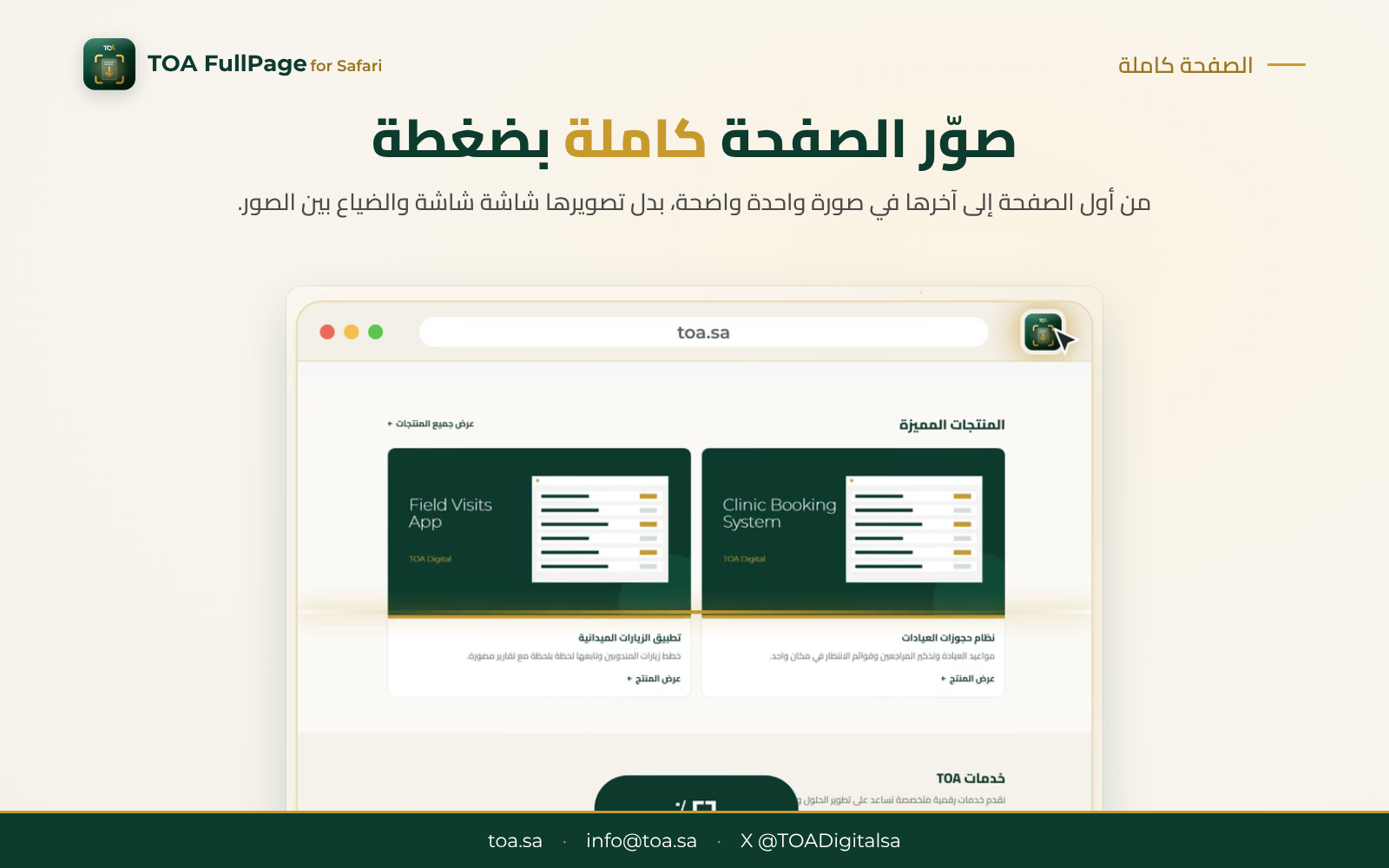
A Safari extension for Mac that captures a whole web page, top to bottom, in one image with a single click.
Product video
About the Product
What is TOA FullPage?
A Safari extension for Mac that captures any web page in full, from top to bottom, in one clear image, or just the visible part, or an area you select yourself. It includes an editor to mark up your capture, saves it as an image or a PDF, and keeps all your captures organised in one library.
Who is it for?
- Students saving references and articles
- Employees documenting pages and sharing them with their teams
- Business owners reviewing their websites and sending feedback
- Anyone who needs to save or share web pages
What does it solve?
No more capturing a long page screen by screen and getting lost among the images: one click gives you the whole page in a single image.
Key Features
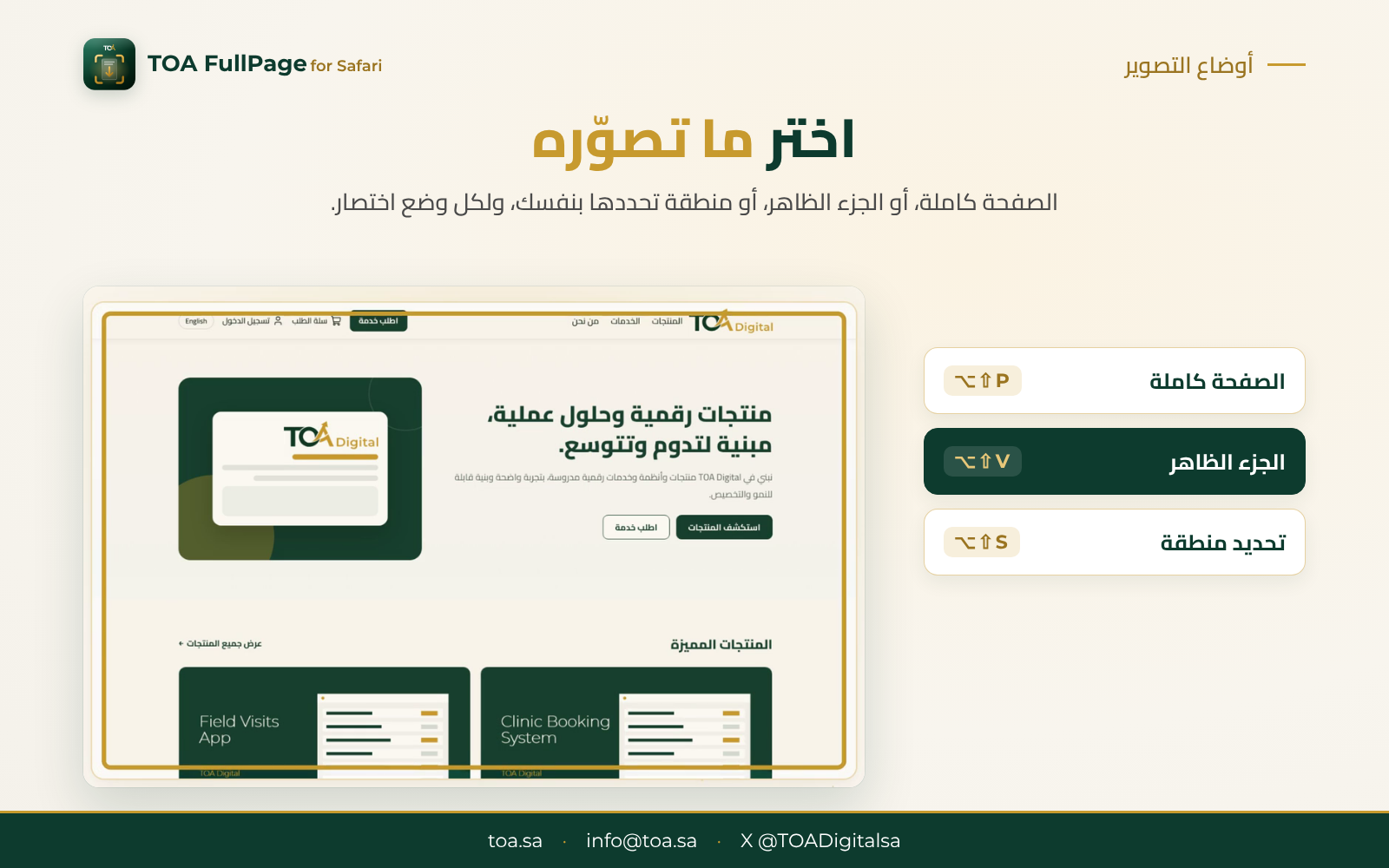
- Full page in one click: capture the page from top to bottom (⌥⇧P).
- Visible part or a selected area: capture what is on screen (⌥⇧V), or an area you choose (⌥⇧S).
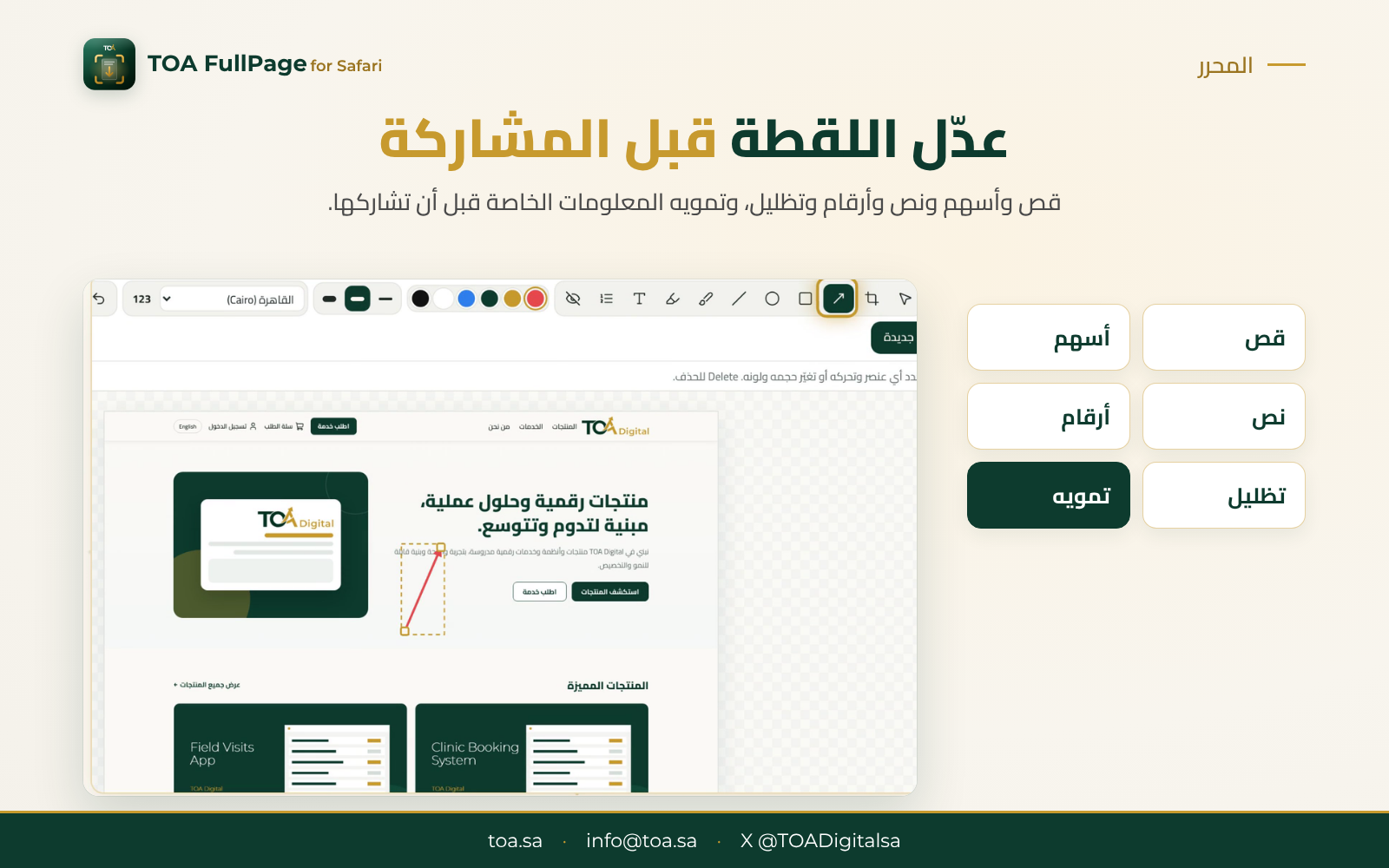
- Built-in editor: crop, arrows, text, numbers and highlights.
- Blur private information: before you share the capture.
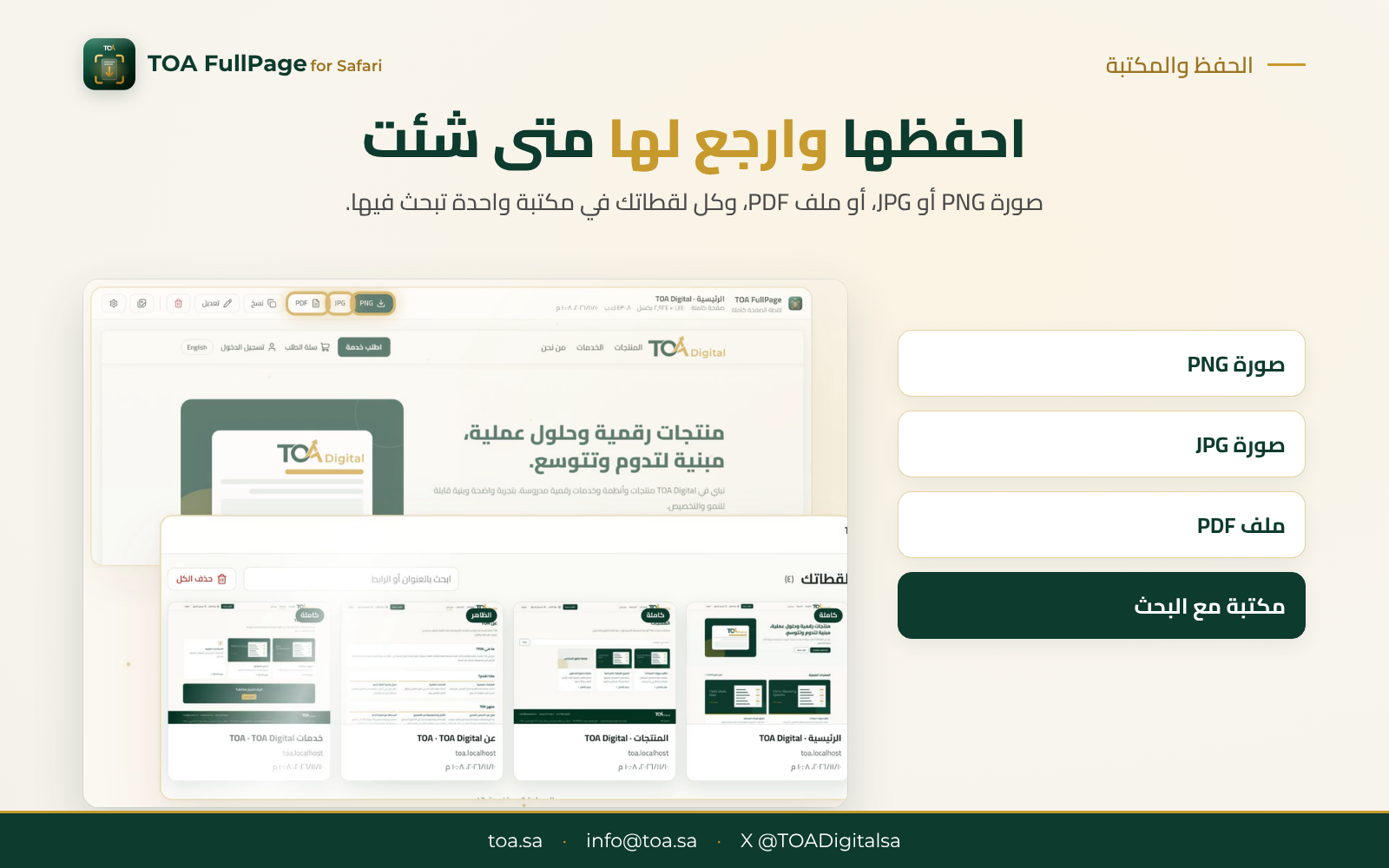
- Several formats: PNG or JPG image, or a PDF file.
- A library for your captures: keeps them all, with search.
- Keyboard shortcuts: a shortcut for every mode.
Requirements
- A Mac.
- The Safari browser.
Product Option
-
TOA FullPage for your Mac
Request the price, and we will send it to you. Request a quote
Prices exclude 15% VAT.
Questions before you request? marketing@toa.sa